
How to use ATMs in GTA 6
Use ATMs in GTA 6 after the Buck Me mission: find them with BuckMe ATM Finder, deposit up to $20,000 at a time and protect cash from death.
Quick answer
ATMs unlock after the Chapter 1 mission Buck Me. Press Up on the D-pad, open BuckMe, scroll down to ATM Finder to mark the nearest one, walk up and interact to deposit. You can deposit up to $20,000 at a time if you are under your balance limit.
How to deposit cash
- Finish Buck Me in Chapter 1.
- Phone (D-pad Up) > BuckMe > ATM Finder.
- Go to the marked ATM and interact.
- Choose deposit into your Checking account.
Why ATMs matter
- Pocket cash is lost when wasted. Bank after every job (money farming).
- Pocket cash only works up to about $1,000. Anything bigger, like garages, is paid from BuckMe.
- Family Savings is one-way. Money there cannot be withdrawn, see BuckMe guide.
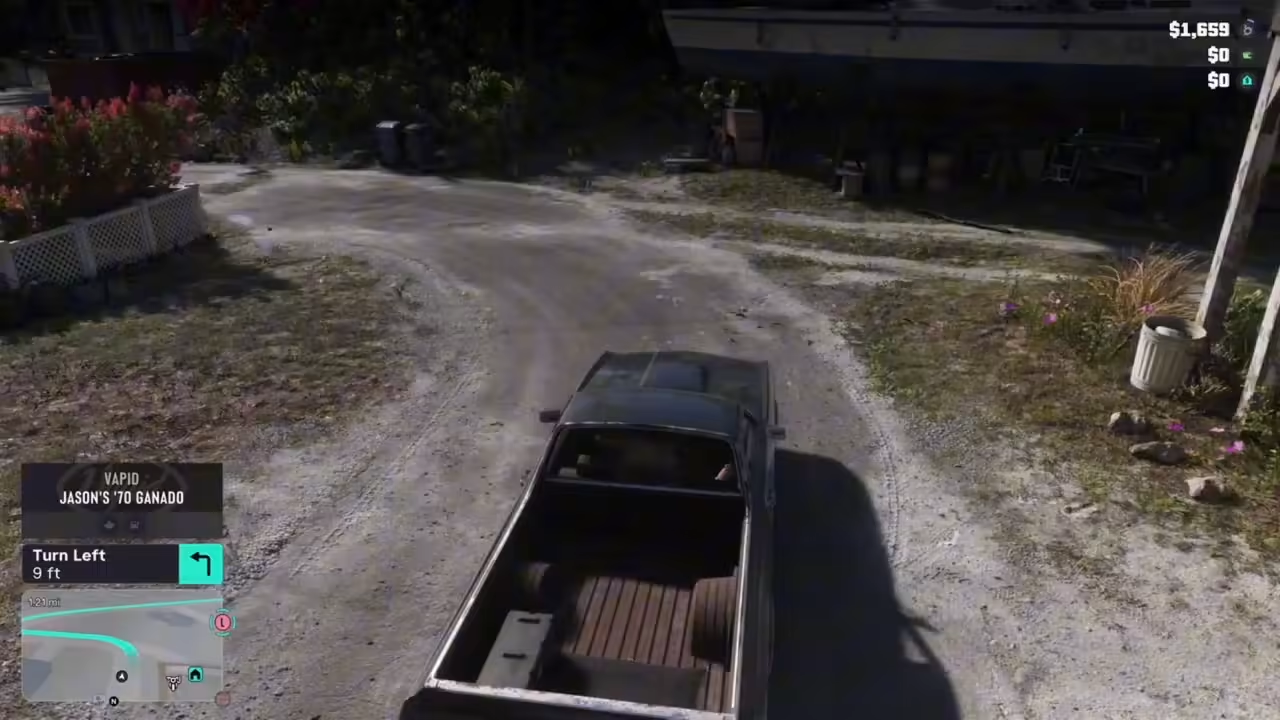
Taxi fares are paid with pocket cash while RydeMe uses your bank, so keep a little of both (fast travel).
FAQ
When do ATMs unlock in GTA 6?
After the Chapter 1 mission Buck Me.
What is the ATM deposit limit?
Up to $20,000 per deposit, as long as you are under your account limit.
How do I find an ATM?
BuckMe app > ATM Finder.
Video
GTA 6 ATM Locations � How to Deposit Your Cash by Bobsta