How to manage money in GTA 6 and use the BuckMe bank savings app
BuckMe in GTA 6: unlock it in Chapter 1, use Checking vs Family Savings, the $1,000 cash rule, $20,000 deposits and why savings can't be withdrawn.
Quick answer
BuckMe unlocks in the Chapter 1 mission Buck Me. Keep spending money in Checking, deposit cash at ATMs (up to $20,000 per deposit), and only put money into Family Savings if you mean to lock it away, because it cannot be withdrawn.
Cash vs BuckMe
| Money | Used for | Risk |
|---|---|---|
| Pocket cash | Purchases up to about $999, taxis | Lost when wasted |
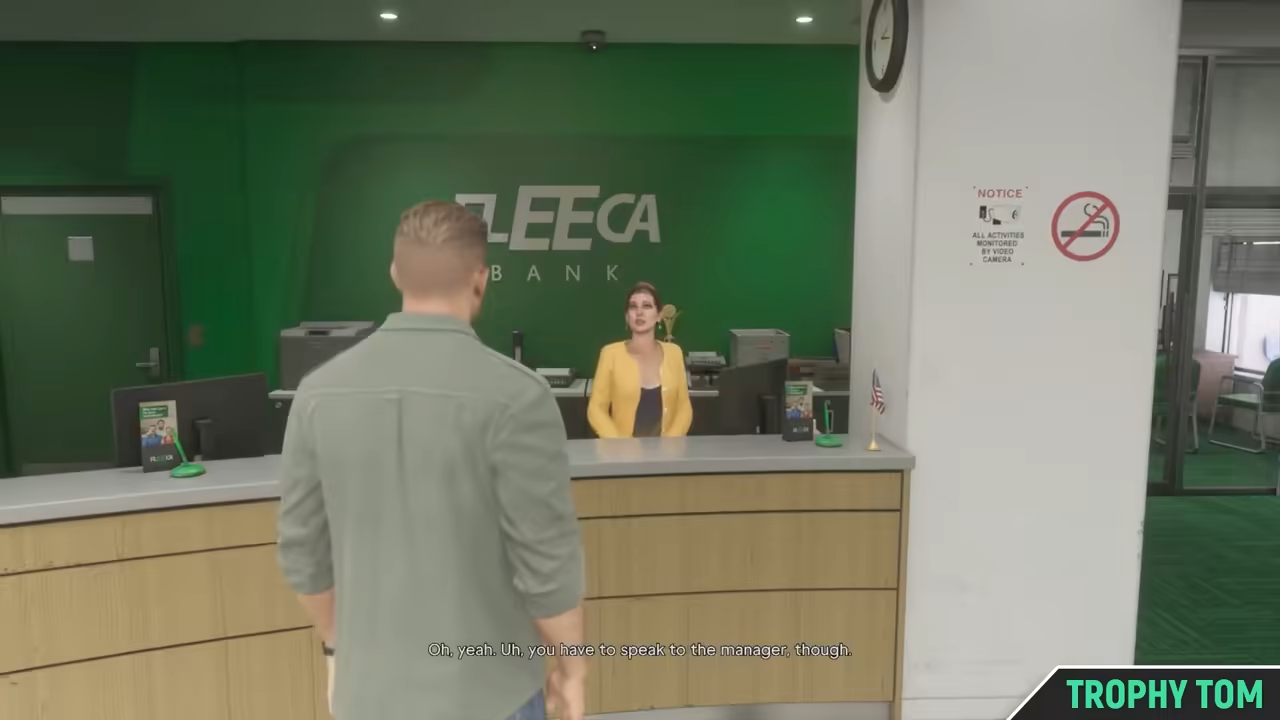
| BuckMe Checking | Purchases over $1,000, RydeMe, garages | Has a balance limit |
| Family Savings | Long-term storage | Cannot be withdrawn |
Money management rules
- Bank after every job. Use ATMs via BuckMe > ATM Finder.
- Watch the Checking limit. Car sale money only lands if you are under it (selling cars).
- Spend on things that pay back: garages (personal vehicles) and owned guns (weapon ownership).
- Farm smart: how to farm money fast.
FAQ
How do I unlock BuckMe?
Complete the Chapter 1 mission Buck Me.
Can I withdraw from Family Savings?
No, money there is locked.
Why can't I buy something with cash?
Vendors only take pocket cash up to about $999; larger buys use BuckMe.
Video
GTA 6 - Buck Me (Set Up Bank Account) - Full Walkthrough by Trophy Tom