
How to shoulder swap in GTA 6
While aiming a firearm, press left on the D-pad to swap your view from one shoulder to the other. All you got to do is hit the L2 button to aim down sight…
Quick answer
While aiming a firearm, press left on the D-pad to swap your view from one shoulder to the other.
All you got to do is hit the L2 button to aim down sight and click the left D-pad on your controller to switch left or right.
How to swap shoulders in GTA 6
And while aiming, press left on the D-pad to swap shoulders. Swapping shoulders. So square to fight, X to block and counter, R2 from behind a grab, R3 to zoom in, and left on the D-pad to swap shoulders.
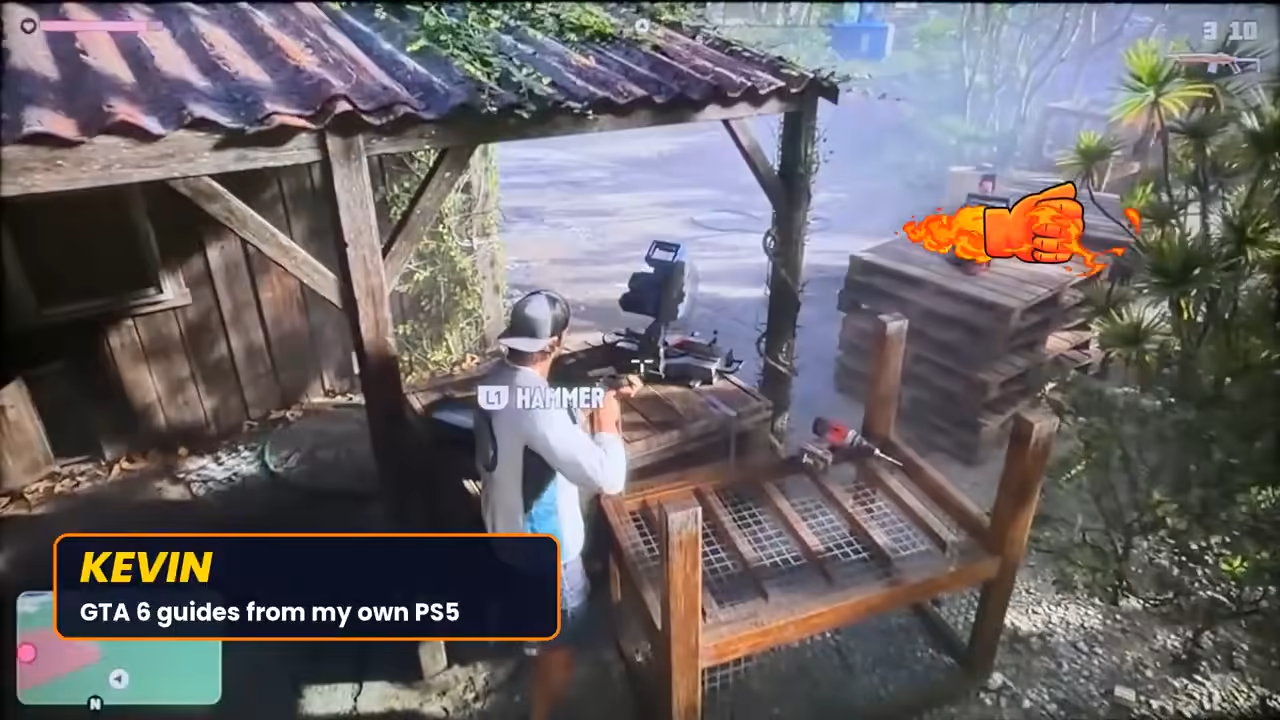
In case you don't know how to switch shoulders in the new GTA 6.
So you're going to be able to kind of like peek some corners and stuff and, you know, change your shoulder direction depending on where you're shooting.