Grand Theft Auto IV the Complete Edition Patch
I was having some stuttering, I suppose you could call it. jittering is probably a better term for it in the cutscenes. And so, you've got runaway frame…
Quick Answer
I was having some stuttering, I suppose you could call it. jittering is probably a better term for it in the cutscenes. And so, you've got runaway frame rates causing problems. However, I just used the Nvidia Master app to put a global frame rate cap on the game, you know, at like 55 58 frames or something like that, and that seemed to resolve the problem.
How to Fix Cutscene Stuttering in Grand Theft Auto IV
And that seems pretty apparent, at least from my gamer experience. That that's because the game's used to running internally capped cutscenes. And for whatever reason, on the PC complete version, they're not.
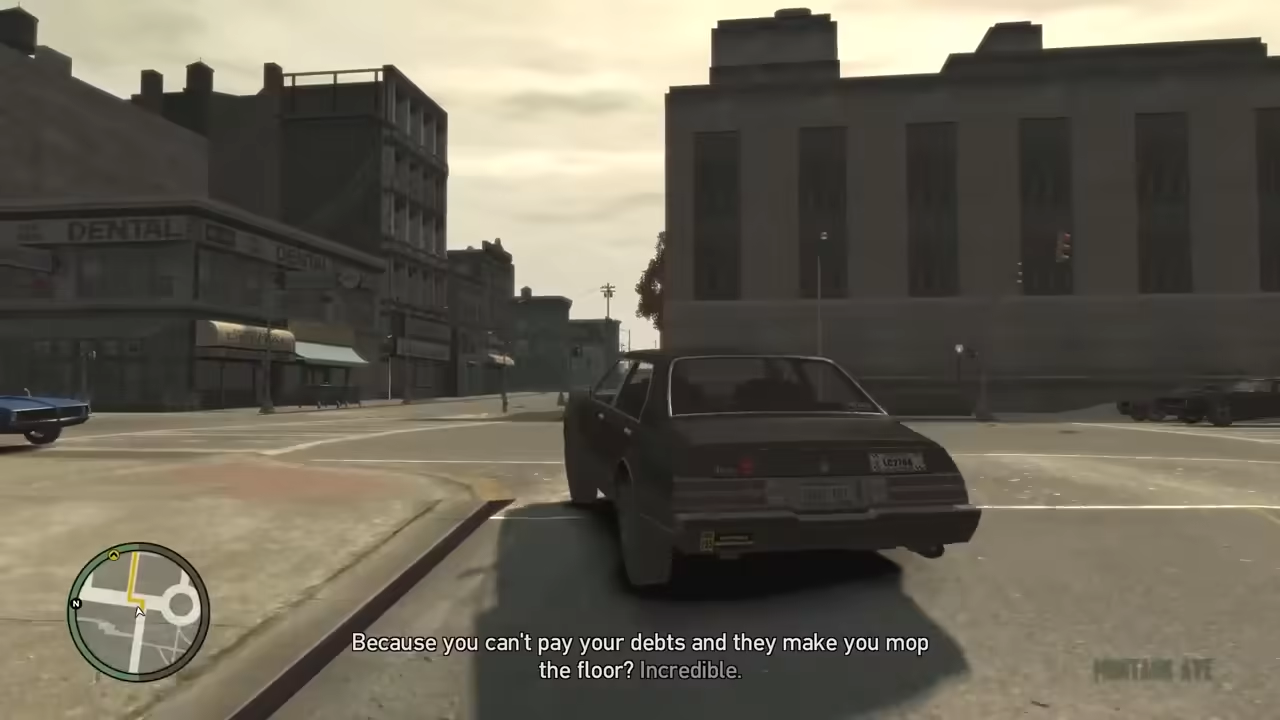
And I looked into it briefly. It seems that there are ways to patch it cuz there's no in-game setting for such a thing, like no frame cap at all. I might end up doing the patch fix when I do come back to review this further down the track.
But just in case you made it this far, you're curious, and you've had that jittering issue. Like I said, Logic drove me to assume that it's it's supposed to be running the cinematics at 30 frames cuz that's how most cinematics run. But unfortunately, that option's been overlooked in this edition.